
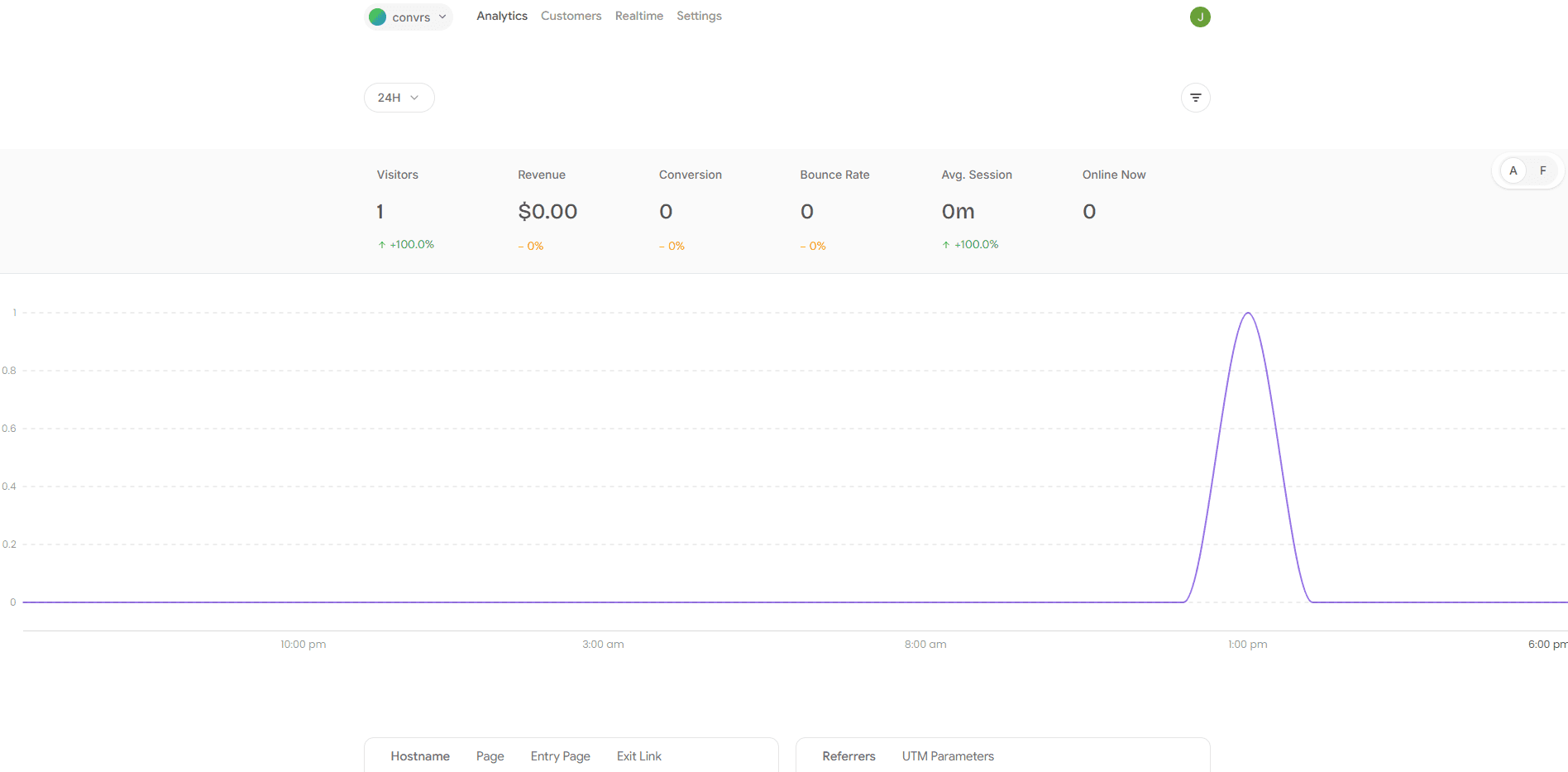
Track user journeys, analyze funnels, and discover where you're losing users—all in one simple dashboard
Watch visitors arrive and interact with your site as it happens
See the complete journey of every visitor from start to finish.












See which of your channels bring in your most revenue.
 Chrome
 Safari
 Edge
Edge Firefox
 Opera
Opera Brave
Brave Vivaldi
 UC Browser
 Yandex Browser
Identify exactly where users drop off in your funnel and recover lost conversions with clarity.
Setting things up is as simple as adding a tiny script tag to your website. No complex setup or confusing tag manager.
GermanyFrancePolandStill have questions?
Contact us and we’ll help you out.
No. Convrs is built specifically for revenue attribution — it connects your traffic sources, user journeys, and Stripe payments in one place, something GA4 doesn't do out of the box.
Convrs assigns a visitor ID when someone lands on your site. You pass that ID to Stripe during checkout. When payment succeeds, Convrs links the revenue back to the original source, campaign, or UTM.
No. Add one script tag or install the npm package, drop in your website ID, and you're tracking. The whole setup takes under 5 minutes.
Yes. The SDK has built-in SPA support with automatic page view tracking on route changes. React, Next.js, Vue, and Angular are all supported.
Convrs is cookieless by default and designed to be privacy-friendly. No personal data is stored — only anonymous visitor and session IDs.
Yes. Use convrs.track('event_name', { ...data }) to track any custom event — signups, button clicks, purchases, or anything meaningful to your funnel.